Settings
Connect your DDP.
Test the connection and see the Folder Volumes available to your team.
Coming soon
Organize originals on DDP shared storage, find the right clip and prepare proxies for your edit.
Explore the workflow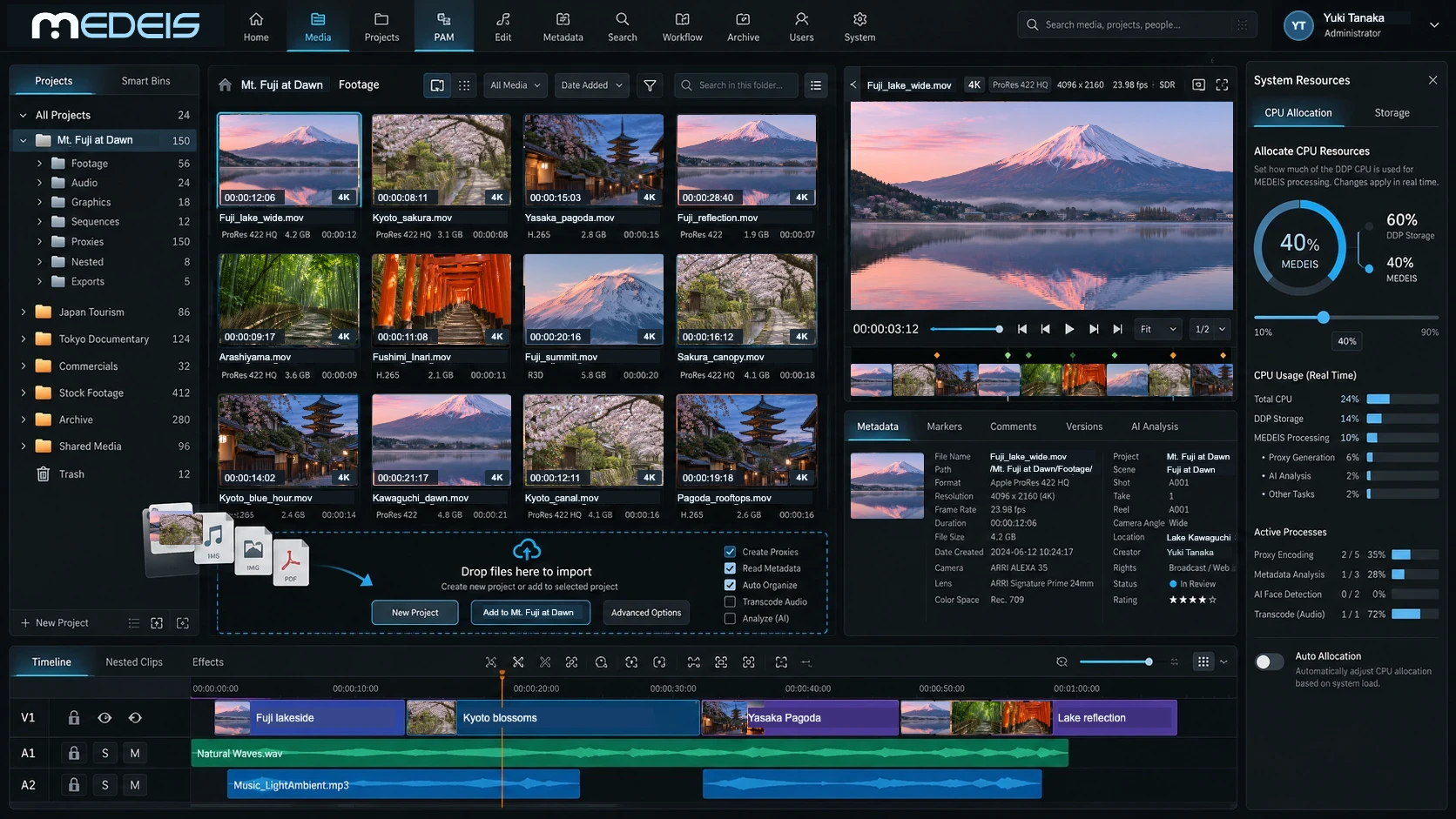
A sample workflow from the first card off the camera to the media an editor can use.
Test the connection and see the Folder Volumes available to your team.
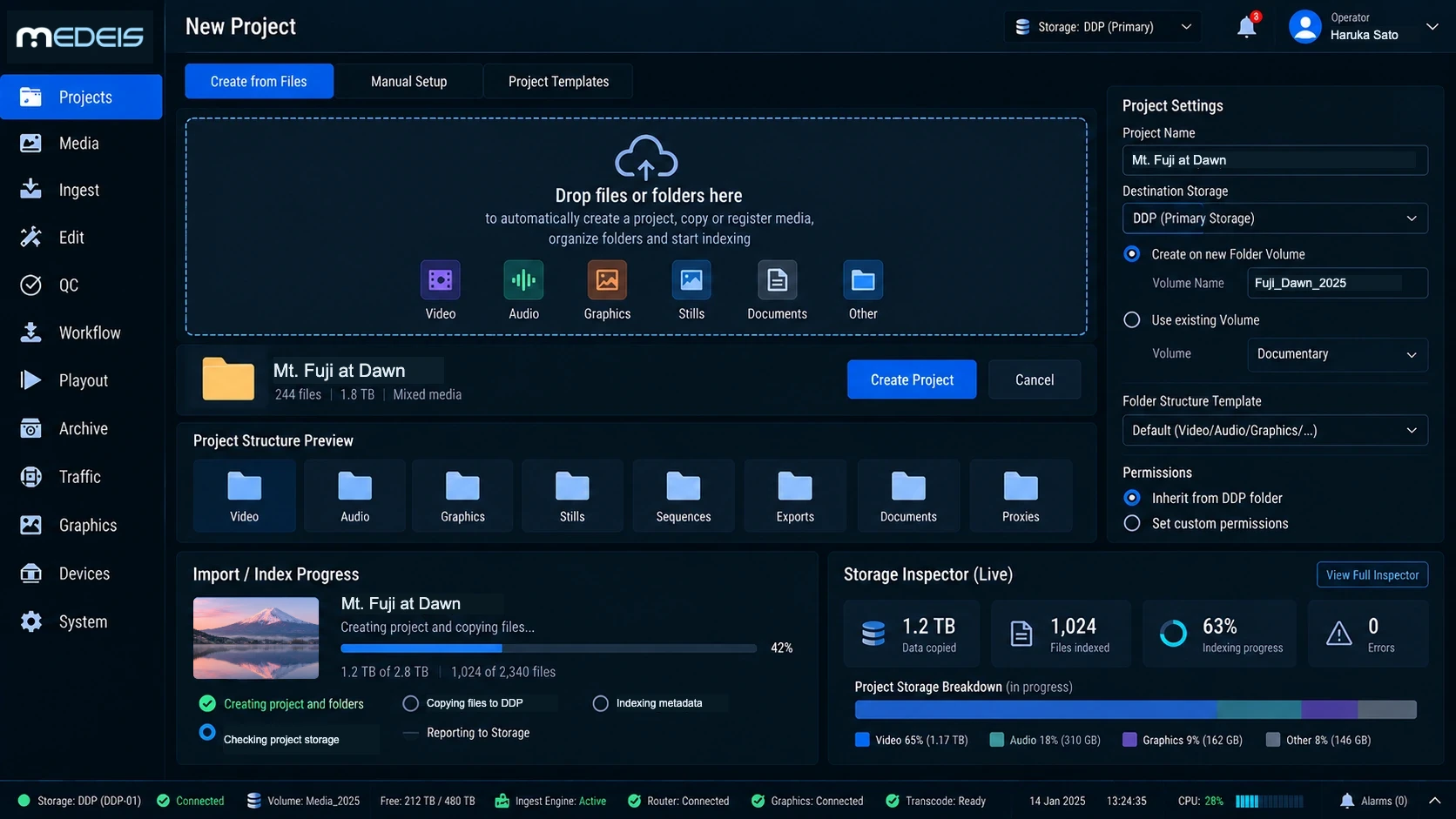
Drop the batch into Medeis. Create a Folder Volume or choose an existing writable one. Medeis sorts the files into Video, Graphics, Audio and Other.
Follow active jobs and CPU usage, move an urgent transcode up the queue and see when proxies are ready for the edit.
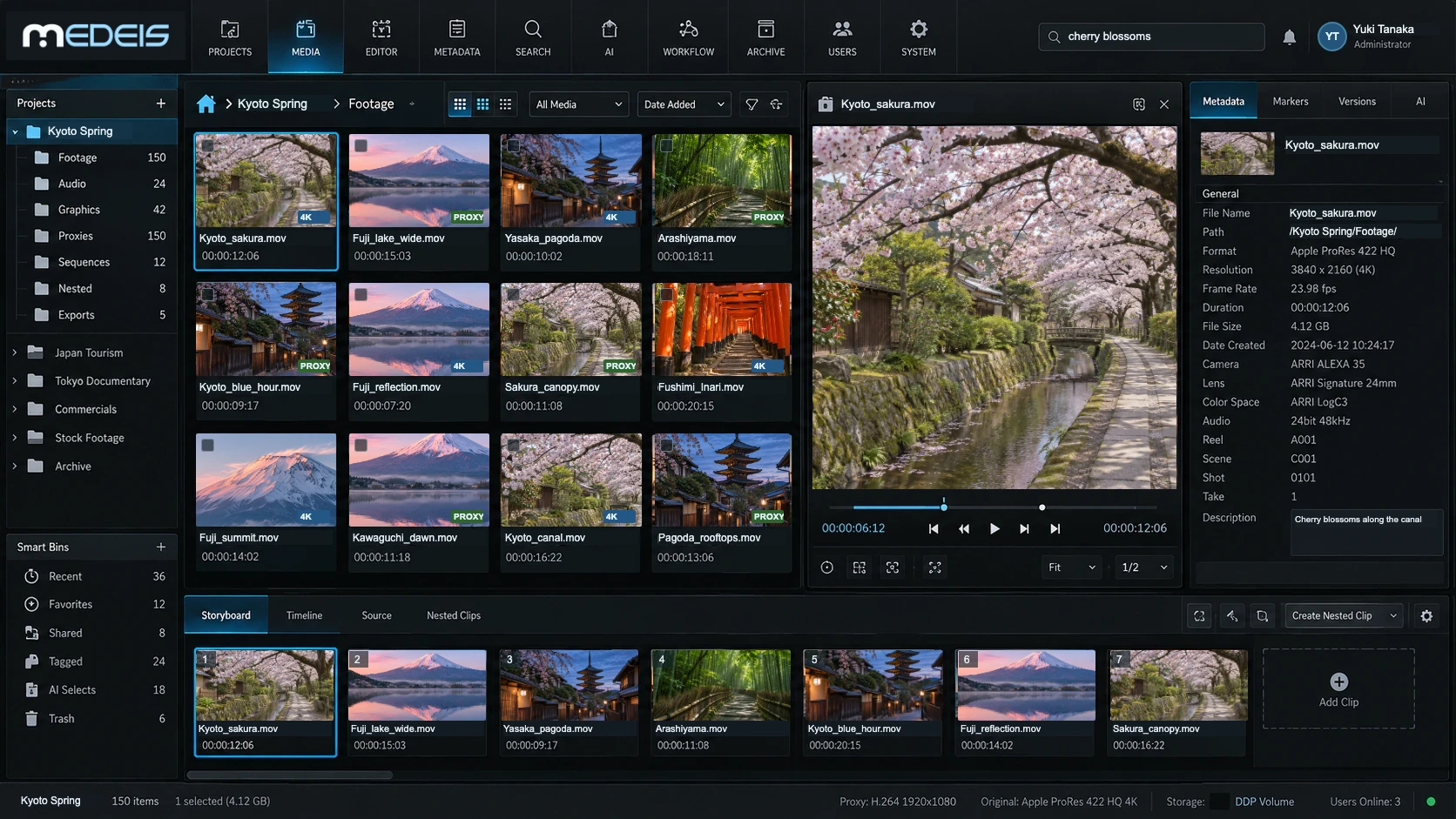
Search for cherry blossom footage across Mt. Fuji at Dawn and the Kyoto project. Preview a match and see where the original lives on DDP.
Find a clip in Medeis, hand it off to your editing application or start a rough cut while working remotely.
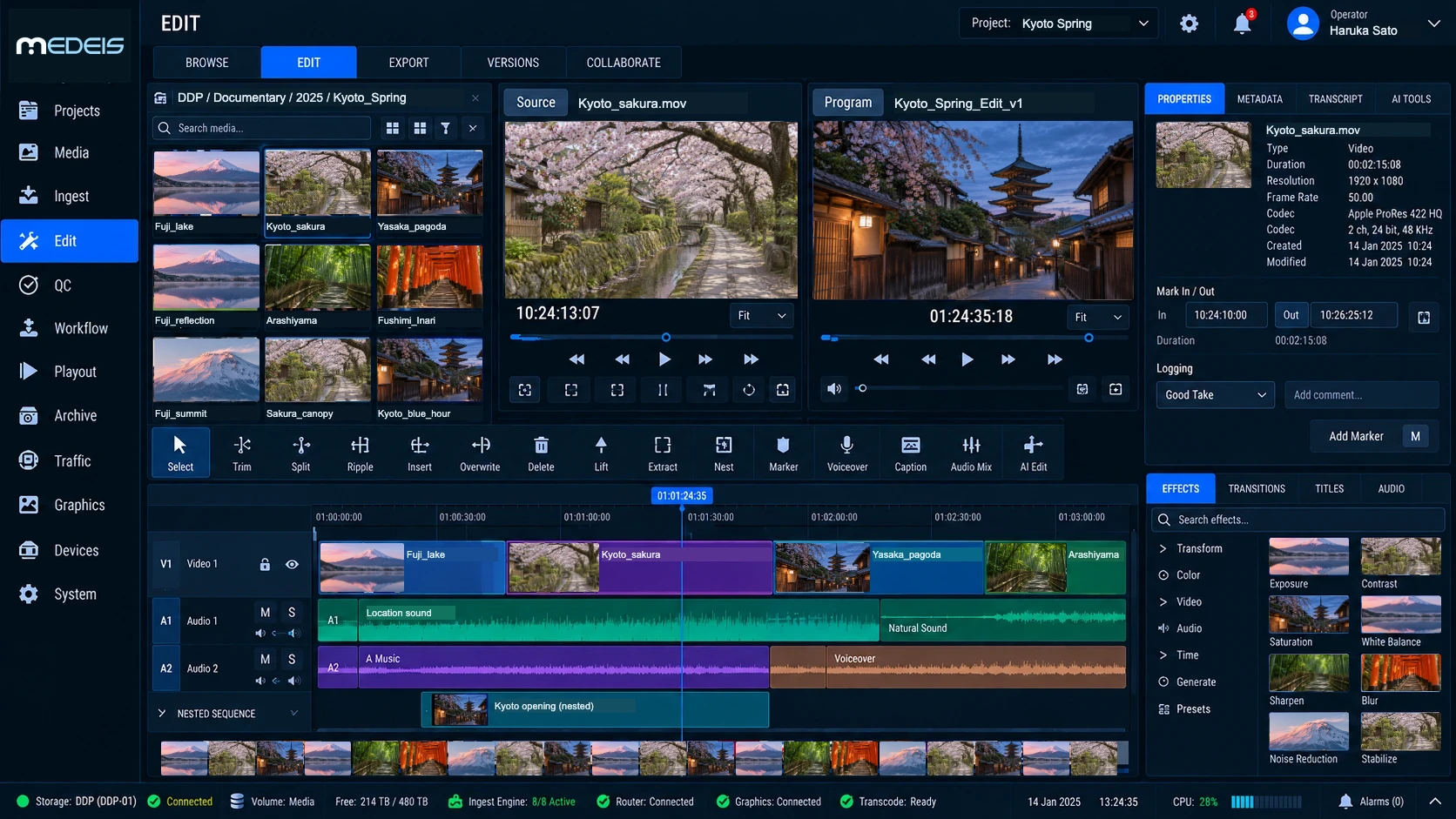
Use a Medeis panel to browse and preview project media, then drag selected clips into your edit. Planned integrations include Adobe Premiere Pro, EDIUS, DaVinci Resolve and Final Cut Pro.
Connect through your team’s VPN to access the Medeis projects and media you have permission to use while away from the facility.
Work with proxies in Medeis. Trim clips and arrange a simple sequence before handing it off for the full edit.
Track transcodes and proxy jobs by clip. Move a queued job up or down so the shots your editor needs can run sooner. Already-running jobs are shown separately in the queue.
Use the arrows to change the order of queued clips.
The planned P5 workflow starts from a completed DDP project inside Medeis. Medeis Archive is also planned as an optional on-premises object-storage module for completed projects.